
Standard hardware. You buy it, you own it.
Palate runs on off-the-shelf iPads and Epson printers you can buy anywhere — no proprietary terminals, no leases, no markup. We tell you exactly what to get and help you set it all up.
Why we don't sell you hardware
Most restaurant platforms sell or lease you proprietary hardware you can never use with anything else. We don't. Palate runs on standard iPads and Epson printers — the same gear the whole industry uses. You buy it directly, at the market price, and you own it. If you ever leave, it's still yours. We tell you precisely what to buy, and our team helps you order it and set it up during onboarding.
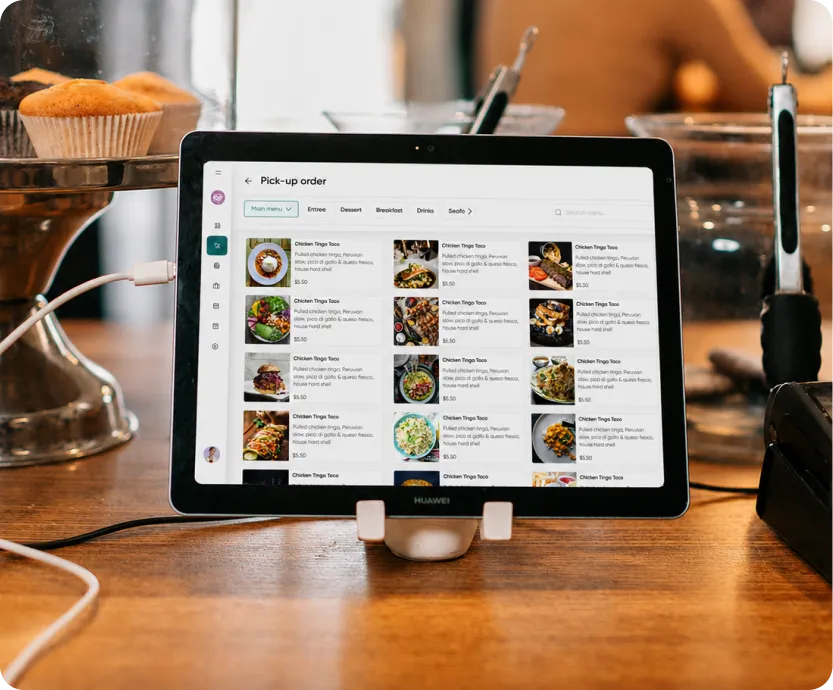
Off-the-shelf.
Standard iPads and Epson printers — nothing proprietary.
You own it.
Buy direct, no markup, no lease, no equipment to hand back.
Set up for you.
We give you the exact list and configure it all before you open.
What you need
Here's the full kit for a typical location. Prices live on each product's page — click through to buy. Not sure what fits your space? We'll spec it with you on a quick call.
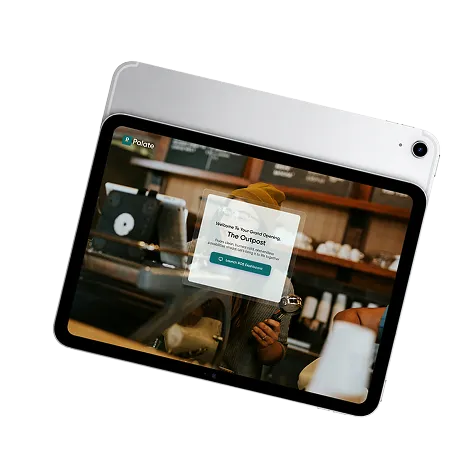
iPad — your register
The point of sale runs on a standard iPad. Any current iPad works (iPadOS 15.1 or later); the base iPad is plenty. One per register. → Shop iPad at Apple
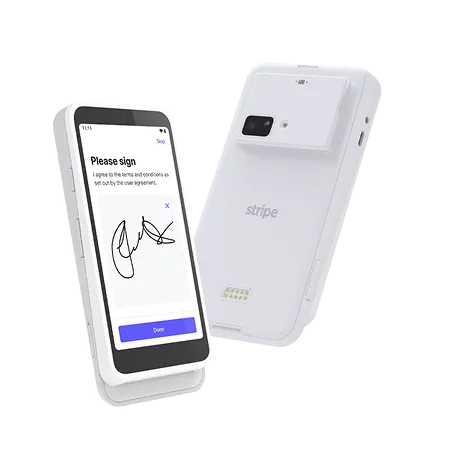
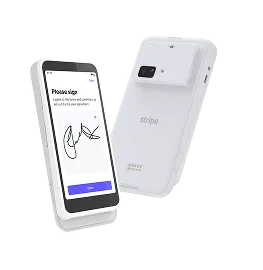
Stripe Reader M2 — take cards
Tap, chip, and digital wallets, powered by Stripe. Because it connects to your own Stripe account, you order it right from your Stripe Dashboard so it comes provisioned and secure out of the box. → About the Stripe Reader M2
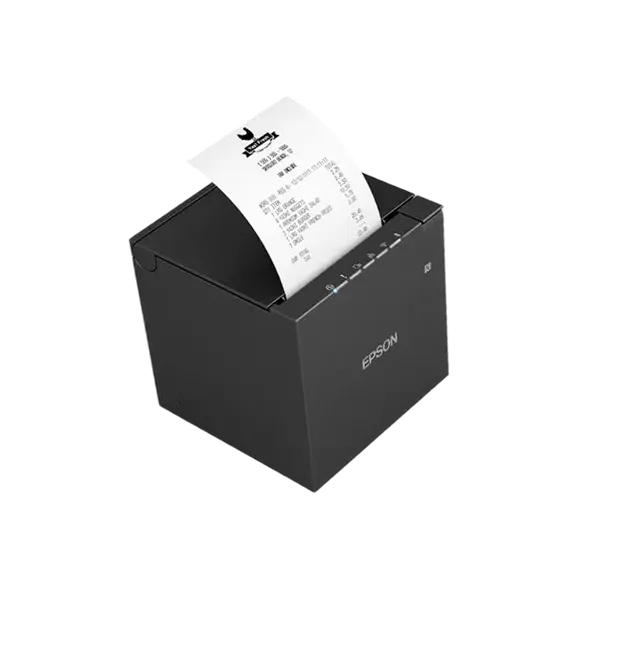
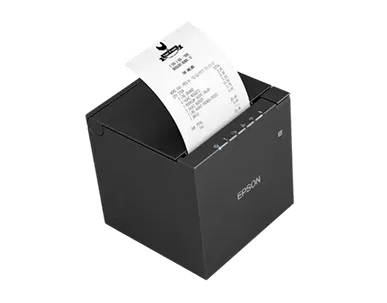
Epson TM-m30III — receipt printer
Fast, compact thermal receipt printer. Get the Ethernet version for the most reliable connection, and it doubles as the trigger for your cash drawer. → Epson OmniLink TM-m30III · Amazon
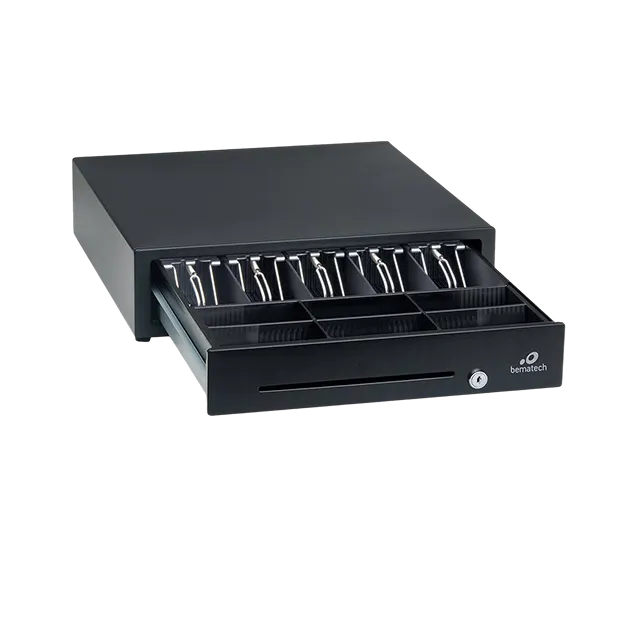
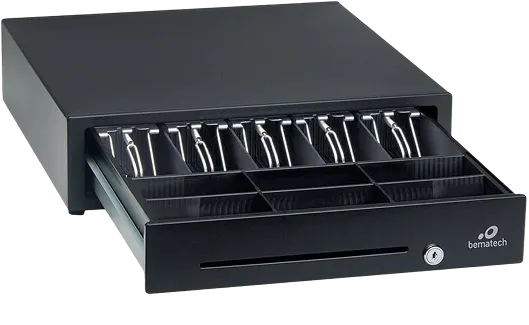
Cash drawer
Any Epson-compatible drawer with an RJ11/RJ12 (DK) port. It connects to the receipt printer and pops automatically on cash sales. → Bematech CD415 (Epson-compatible)
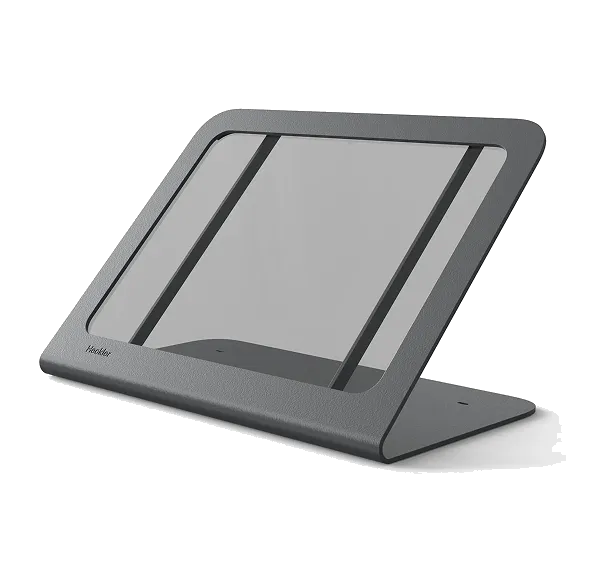
iPad stand
A sturdy countertop stand keeps the register tidy and the reader within reach. The Heckler WindFall is the POS standard. → Heckler WindFall Stand
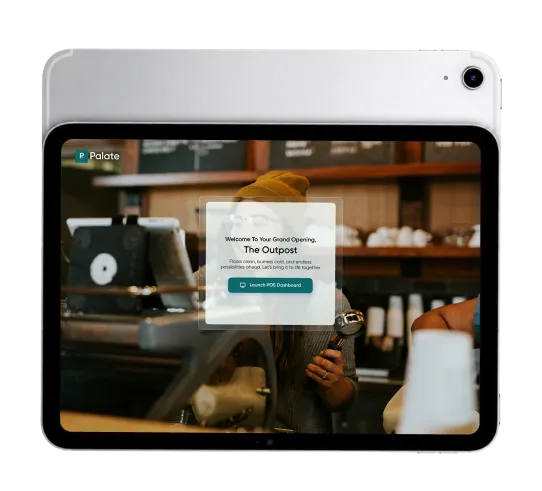
iPad — kitchen display (KDS)
The kitchen runs on a Palate kitchen display: orders route straight from the register and online ordering to a clean screen, no paper tickets. It's another standard iPad, ideally on a stand or wall mount at the pass. → Shop iPad at Apple · Heckler WindFall Stand
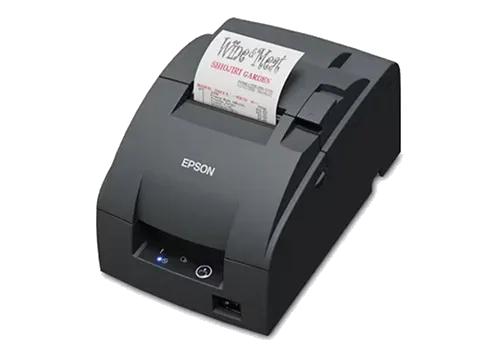
Kitchen ticket printer — optional
Prefer printed tickets, or want a paper backup behind the screen? Palate supports Epson kitchen printers over Ethernet. For the hot line, use the Epson TM-U220B impact printer — impact (not thermal), because thermal paper fades near heat lamps and grills. Stations away from the heat can use the TM-m30III. → Epson TM-U220B (impact) · Amazon
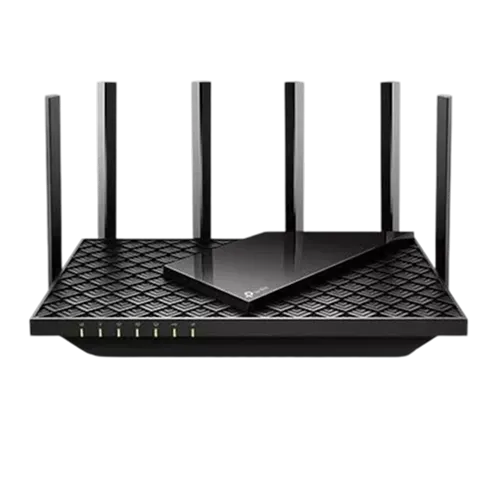
Business-grade internet + a wired kitchen
Palate needs a solid connection to run service (sending orders to the kitchen and taking cards both need to be online). Run wired Ethernet to your kitchen printers for reliability, put the iPads on a business-grade router, and add a cellular backup so a flaky connection never stops the night. We'll help you get this right during onboarding.
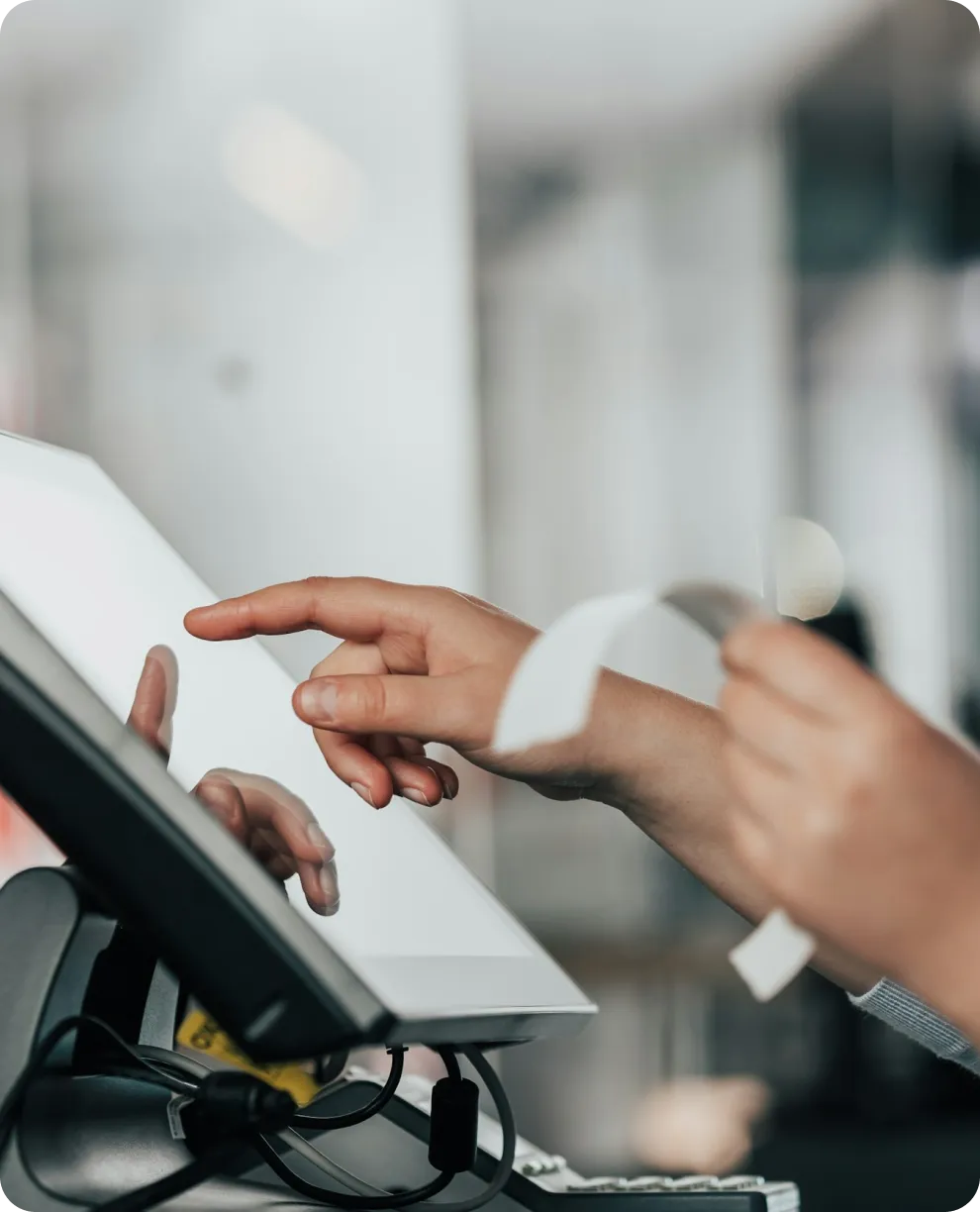
What a typical single location needs
A simple one-register, one-kitchen setup:
- 1 × iPad (register) + stand
- 1 × Stripe Reader M2
- 1 × Epson TM-m30III receipt printer
- 1 × cash drawer
- 1 × iPad (kitchen display) + stand or wall mount
- Business-grade router + cellular backup
- Optional: Epson TM-U220B kitchen ticket printer
Bigger room? Add iPads, readers, and displays as you grow. We'll size it with you.

How you get set up
You don't have to figure any of this out alone. During onboarding we give you the exact shopping list for your space, help you place the orders, and configure every device — register, reader, printers, and kitchen display — before you open. Hardware usually ships within a few days; most restaurants are fully live in about three weeks.